Login to InnGenius
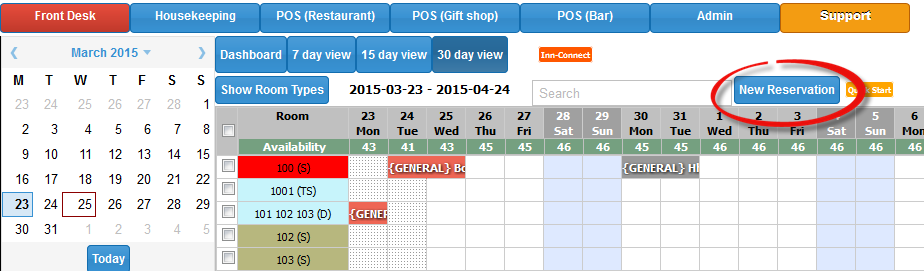
Click on Front Desk view then press New Reservation button (shown below)
Fill out the details for the first guest, and then press the “Add new guest” button (shown below) to enter the details of the second person
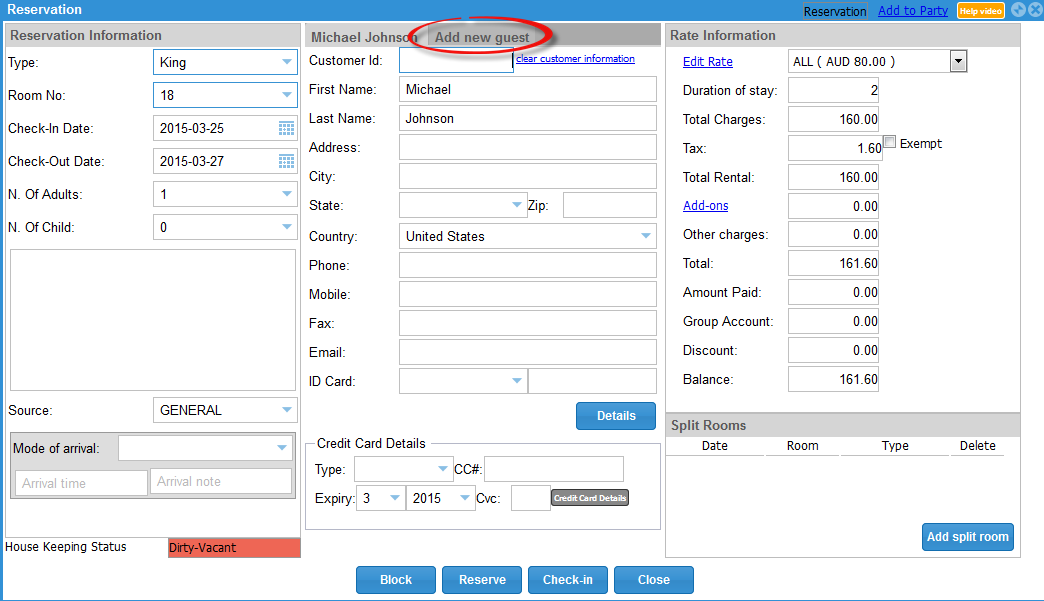
Once you have entered the second guest’s details, change the number of Adults to 2 (shown below)
Press Reserve or Check-in (whichever is necessary)
Note: you need to choose the room type, number etc also

0 Comments