Login to InnGenius, click on Front Desk tab, then press Reports located on the side panel (shown below)

The report needed is called “Detailed logs of user’s activities” (shown below)

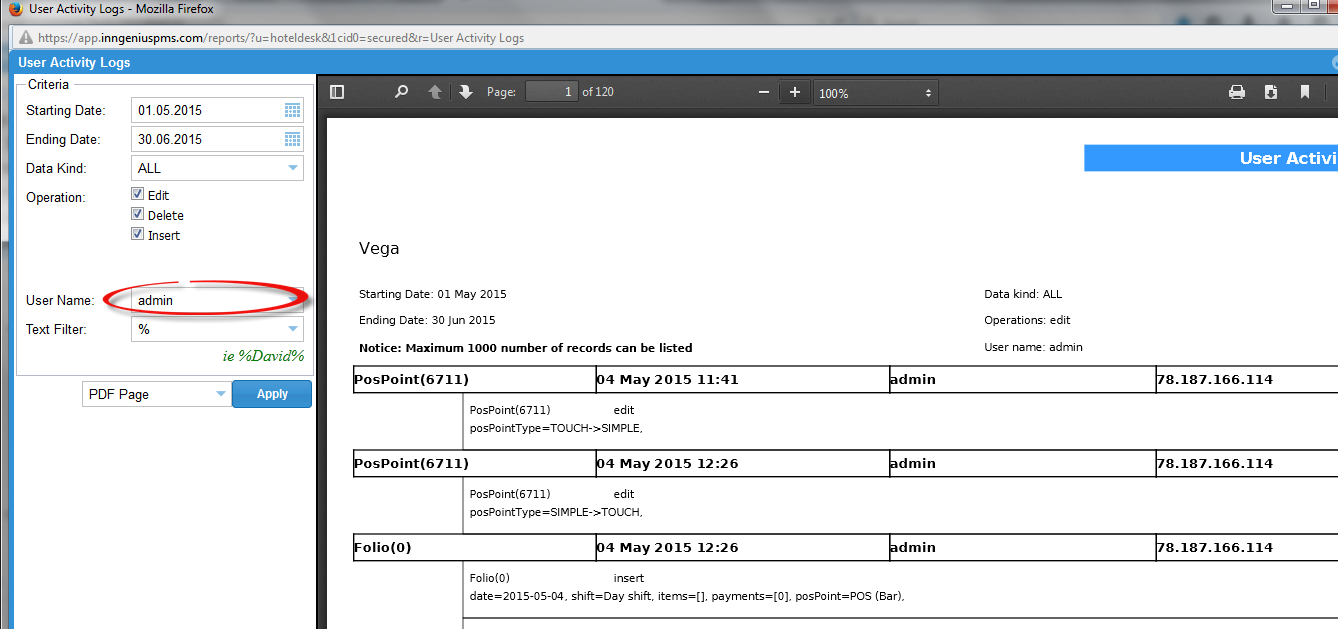
Once you click on it, you can choose the dates & select the user name and press Apply – it will produce the report (example shown below)
0 Comments