Click on the Download button found here
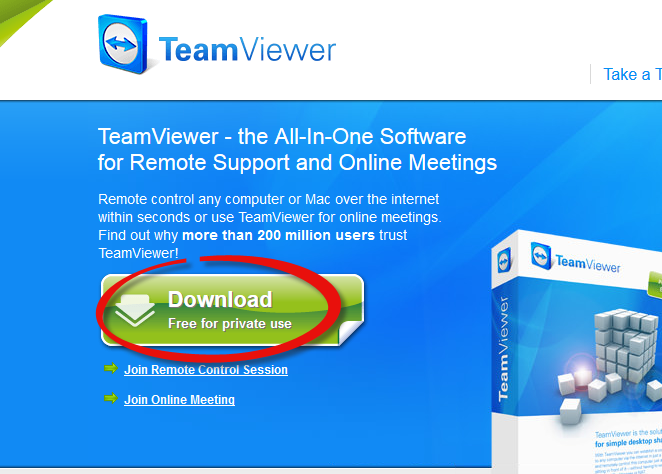
A pop up file will appear, click Save file.
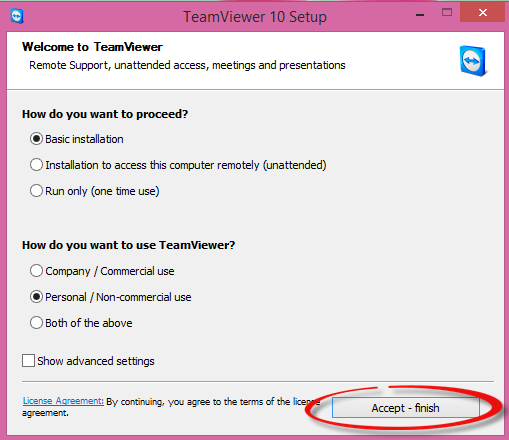
Then click on the downloaded file, the next step is to press Accept –finish (see below)
You will be provided an ID number. This ID number (and password) is needed to share your screen with our support team.
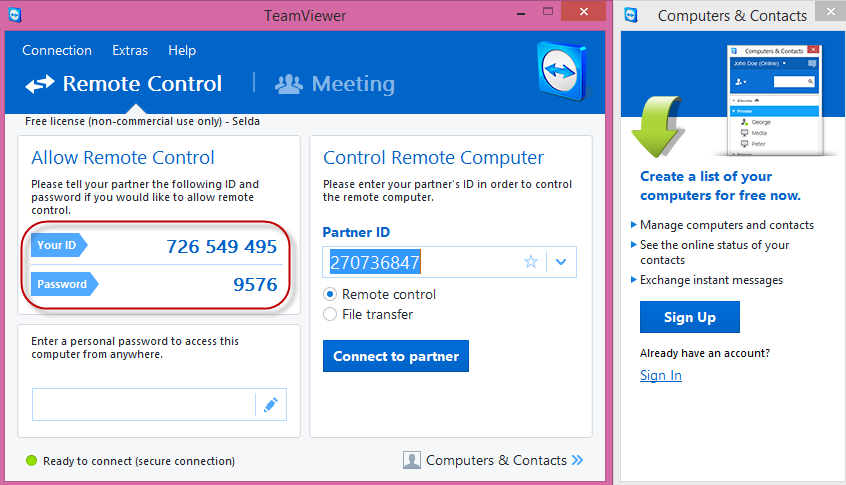
Note: Each time you wish to use TeamViewer it will provide you a new Password.
0 Comments